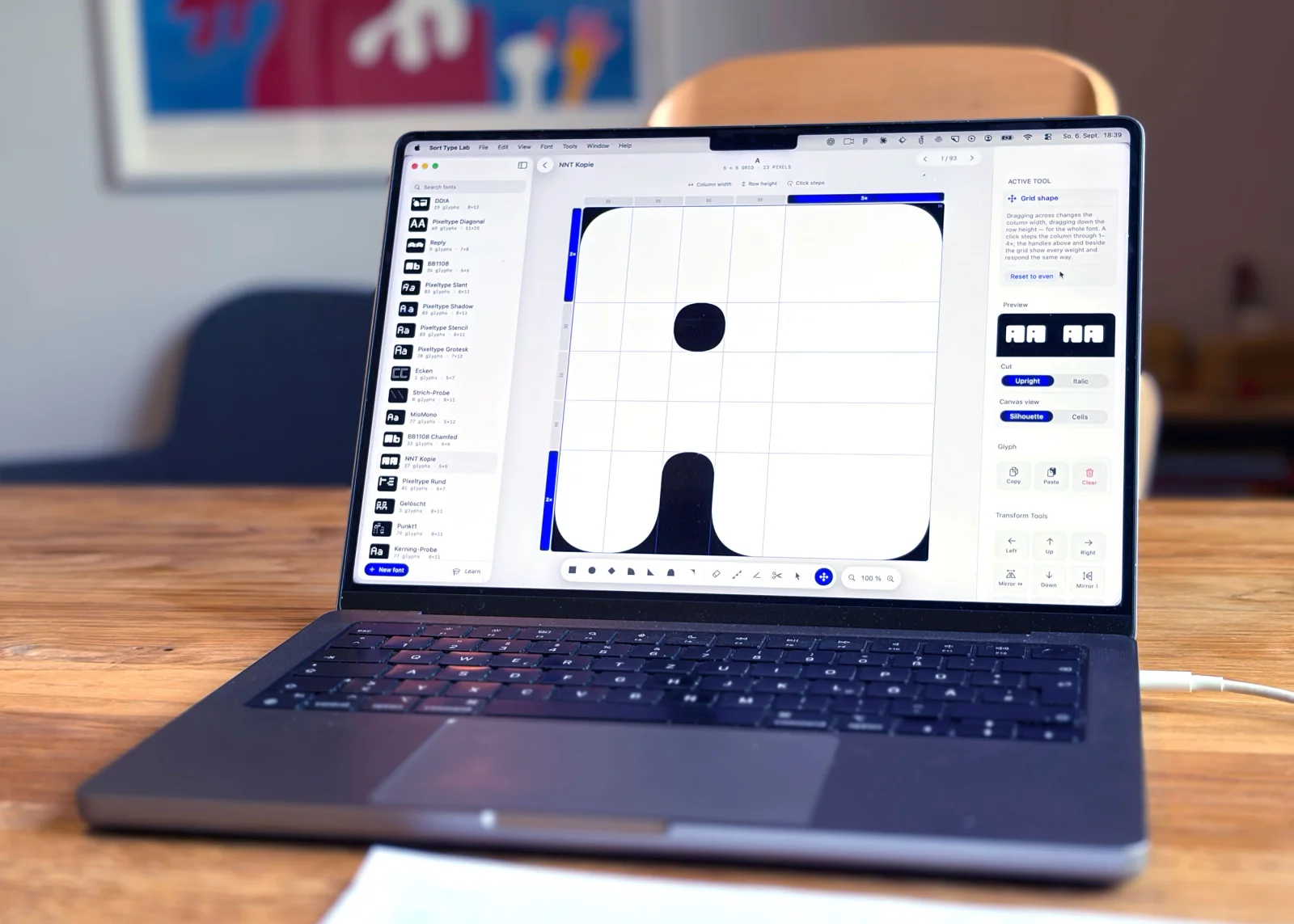
SORT TYPE LAB is a focused Tool
where creatives can create Typefaces
based on a Grid.
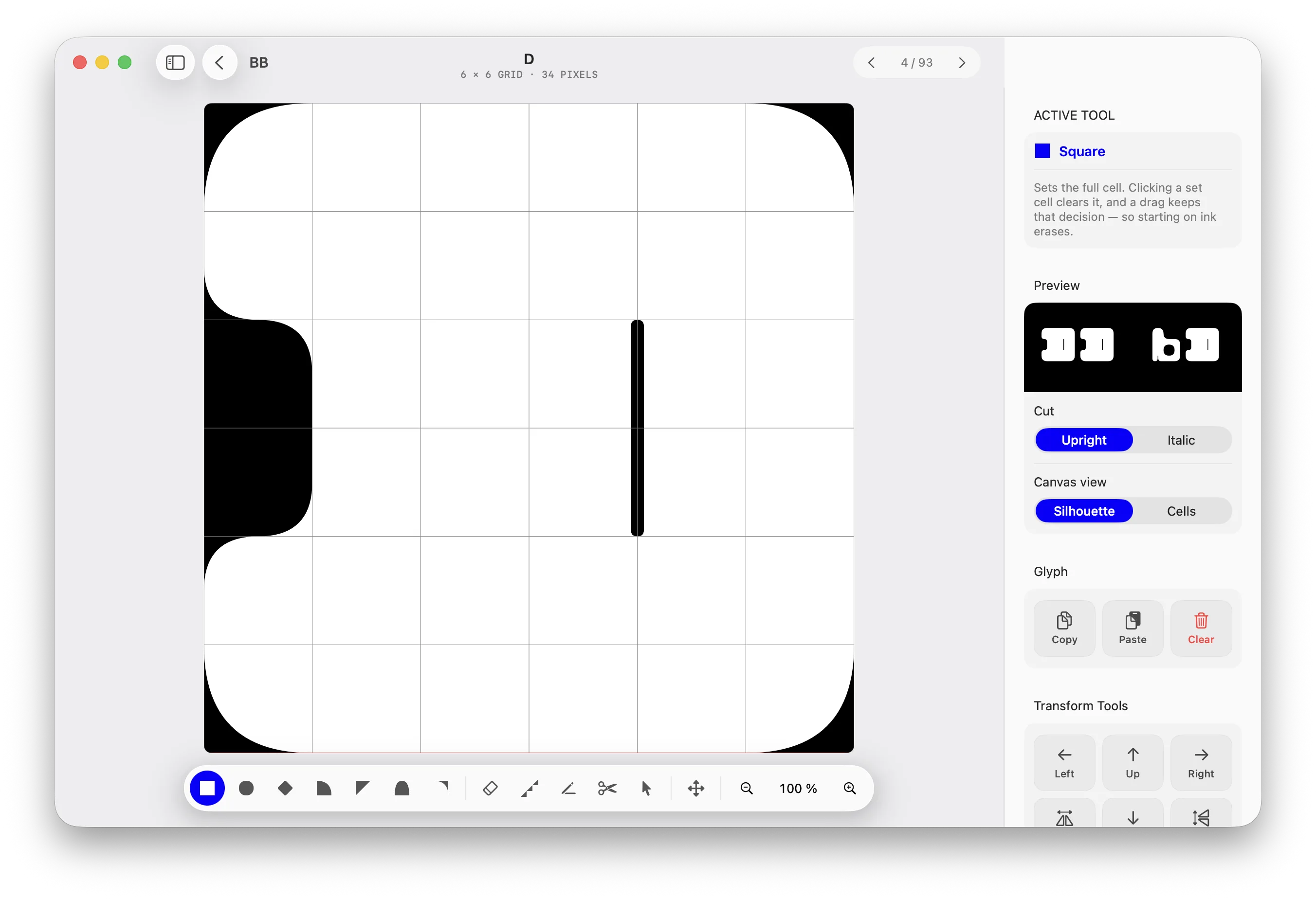
DRAW
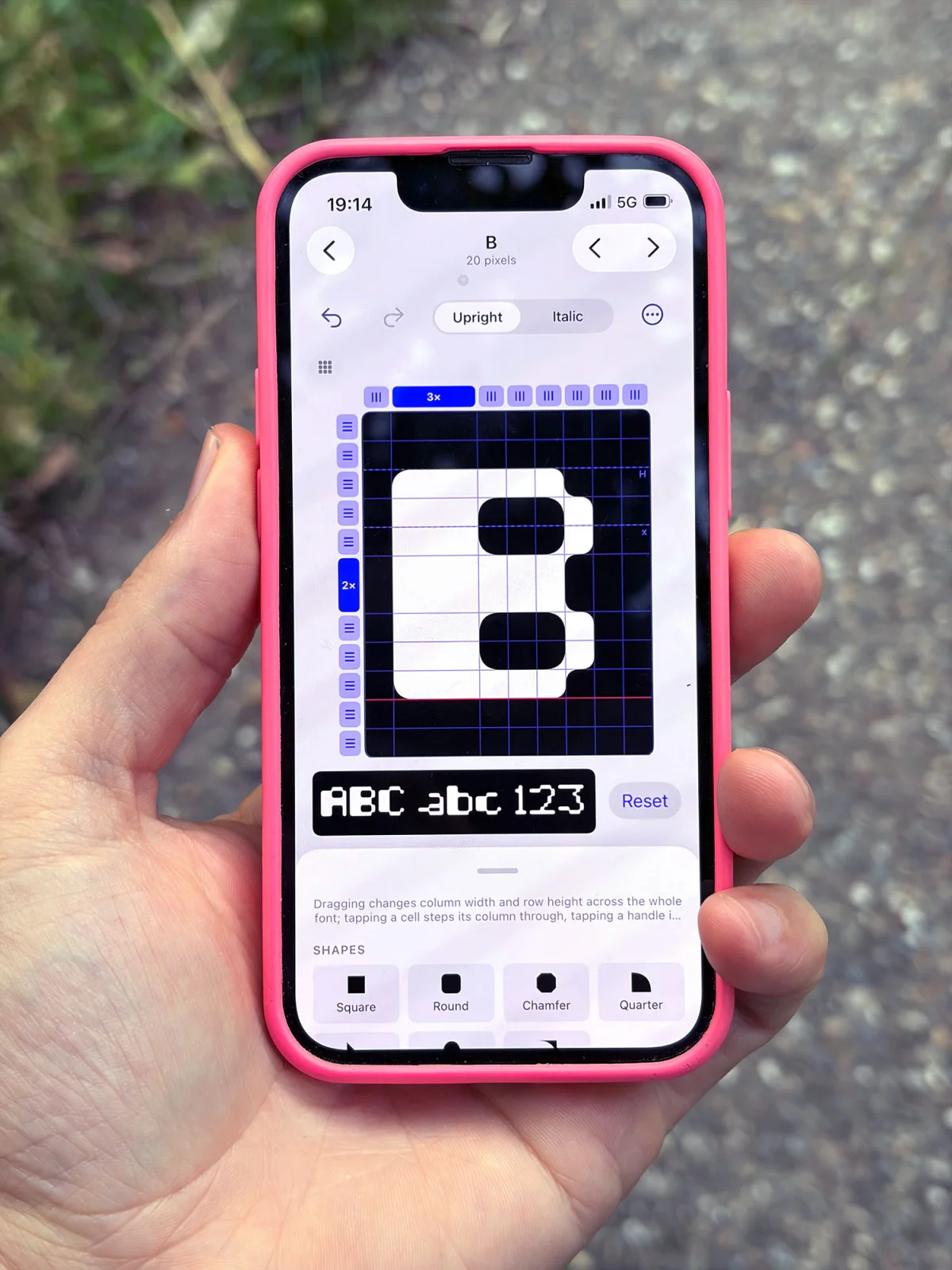
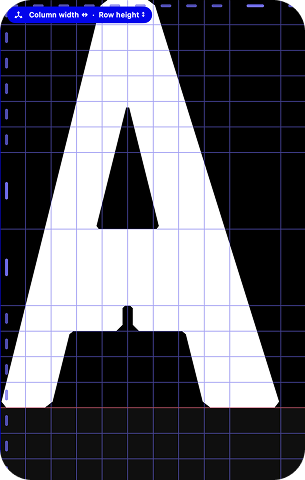
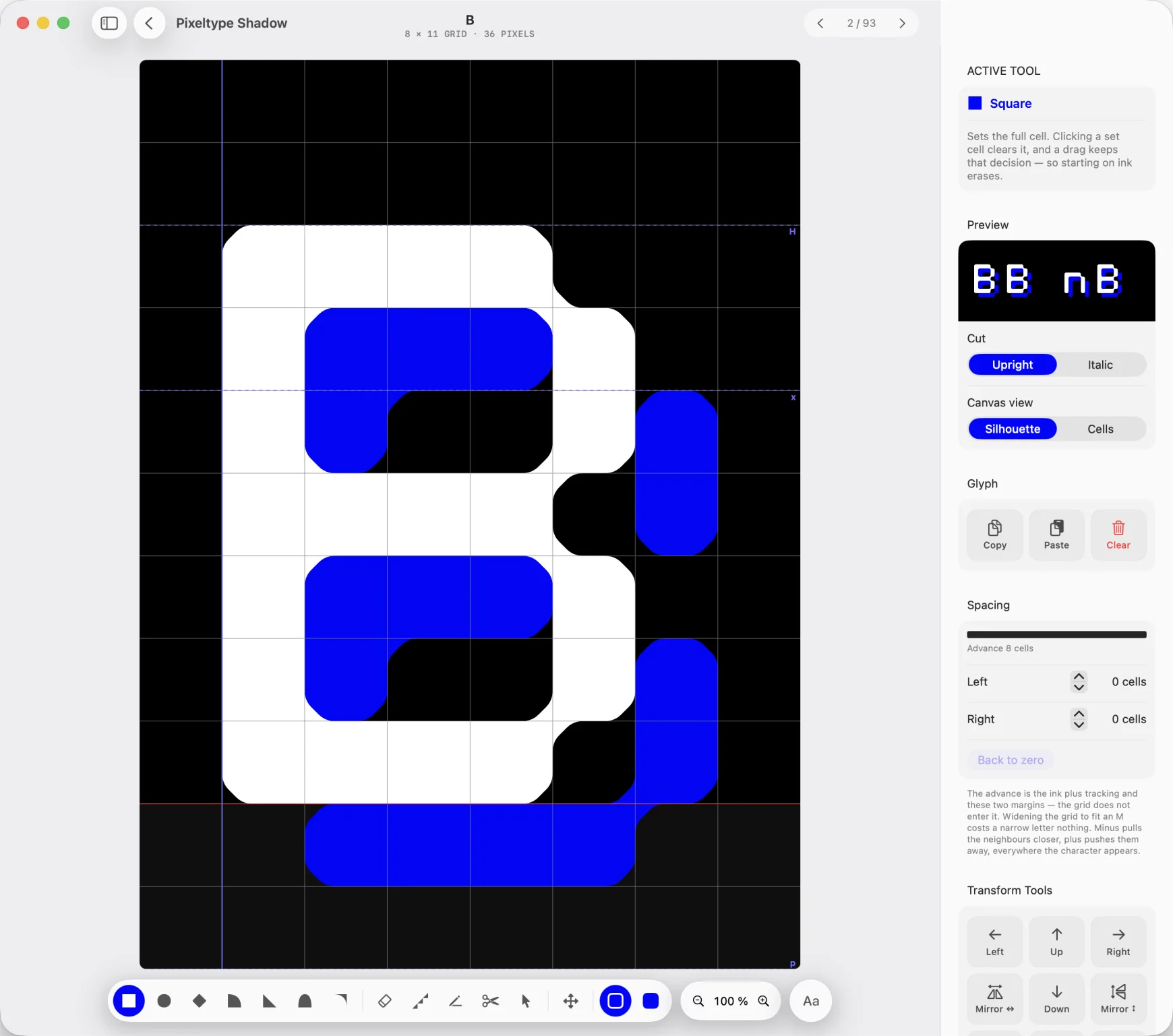
Set cells or start from the built-in alphabet. Give every cell its own form, from chamfer to quarter circle.
SPACE
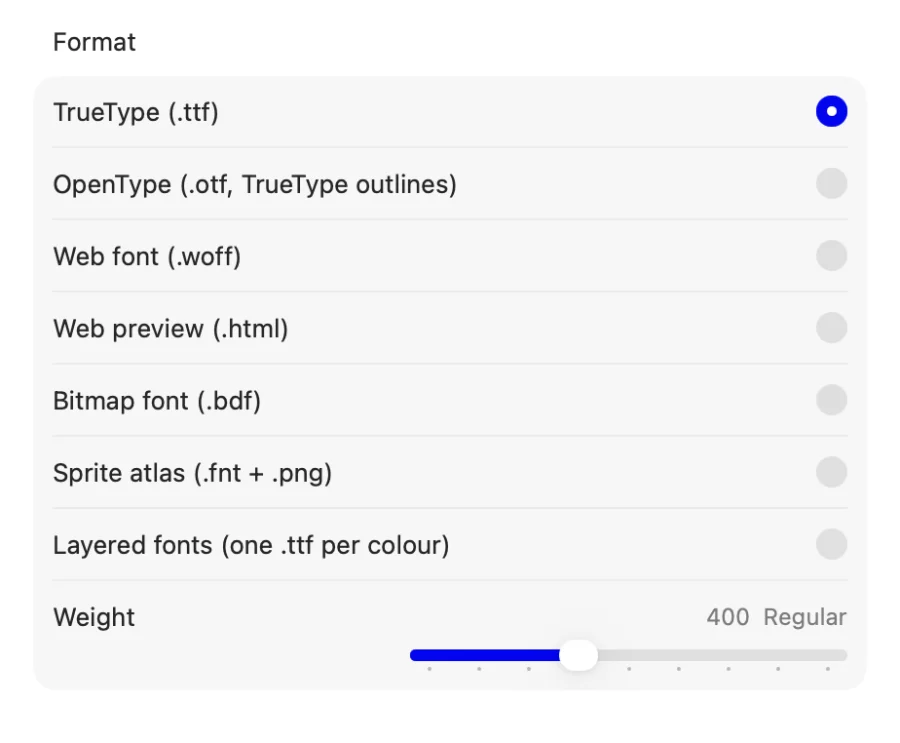
Set side bearings, pairs and groups in quarter-cell steps, while the proof updates under your hands.
SHIP
Export TTF, OTF, WOFF, HTML or BDF.
A preflight check catches spacing and metadata traps first.
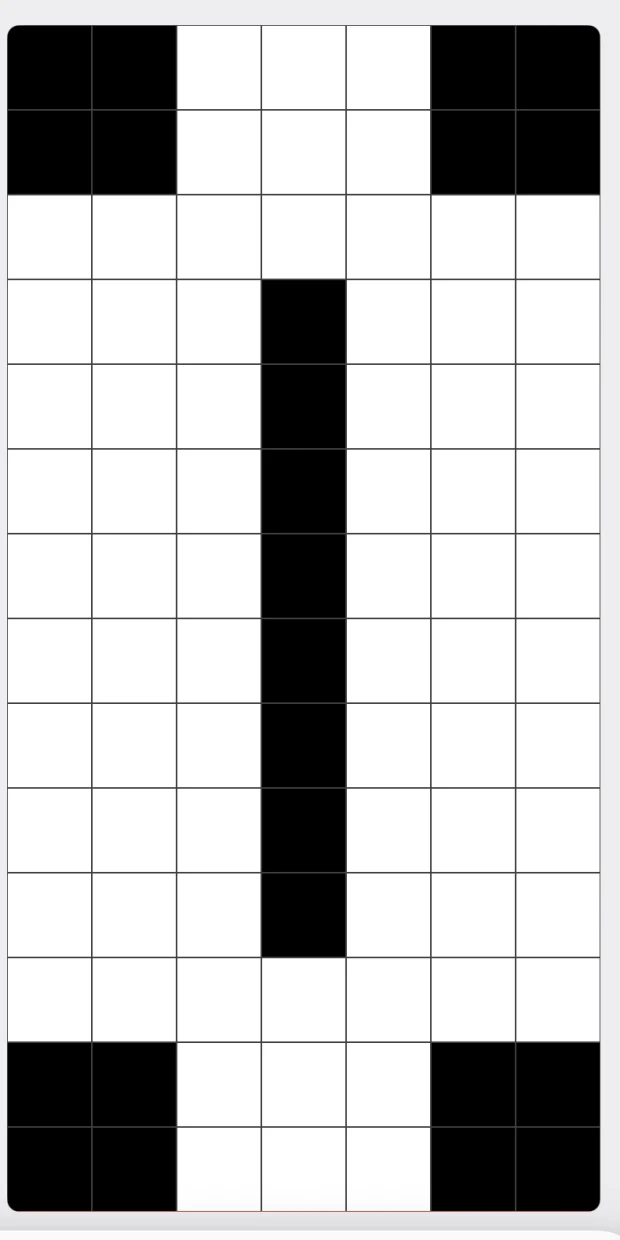
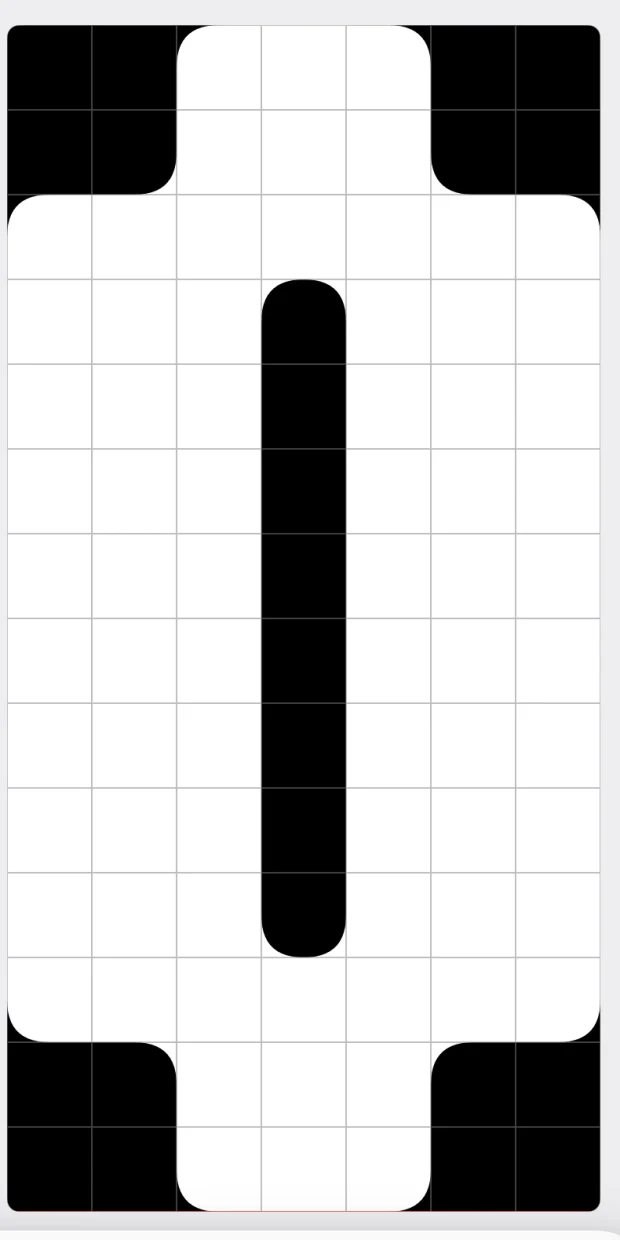
You draw in cells. What leaves the app is a contour: the cells are merged into one outline, and the corners follow the shape you picked: square, rounded, chamfered, a quarter circle. The file is a real outline font, not a bitmap.

MAKE YOUR TYPE
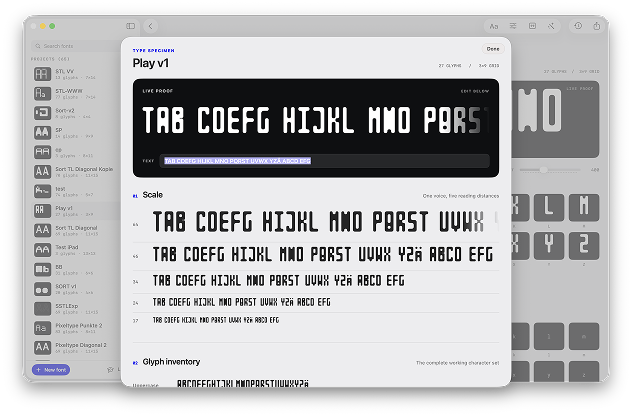
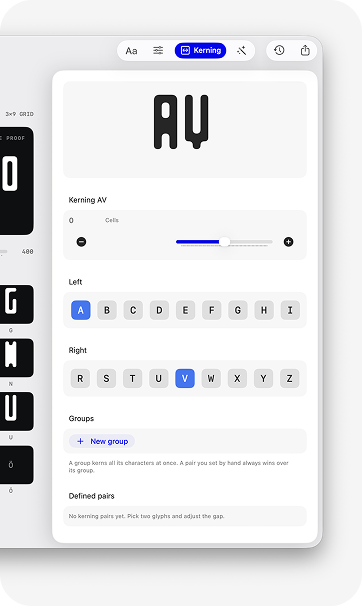
Seven ways out, chosen when you export. TrueType, OpenType, the web font and the HTML preview need no licence: the free version draws one typeface and exports it complete and installable. The family name carries a “Trial” suffix, so it is not meant for release. A licence lifts both. See pricing.
- ttf · otf · woff
- Mac, Windows, the web. The three that cover almost everything.
- html
- A preview page that carries the font inside it. One file to send a client.
- variable
- One file, with axes for weight, width, slant and stroke.
- bdf
- The exchange format of the pixel type world, for terminals and retro tooling.
- atlas
- A .fnt table and a PNG in the BMFont layout that Godot, LÖVE, Phaser and libGDX read.
- layers
- One single-colour file per colour, to be stacked, for applications like Figma that read no colour fonts.
A cell does not have to be black. Paint with up to eight palette colours, and a ninth that is not stored with the font at all: slot 0 is whatever colour the text is set in, so it follows light and dark by itself.
ONE FILE
COLR and CPAL in a single font. Where an application reads colour fonts, that is all it takes.
OR ONE PER COLOUR
Figma and its kind read no COLR and draw the base glyph instead. Export layers and you get one single-colour file per colour, to be stacked.
Designer, website, copyright, licence. Five fields that ride along inside the file and turn up wherever a font is inspected: Font Book, a foundry’s validator, a client’s asset list.
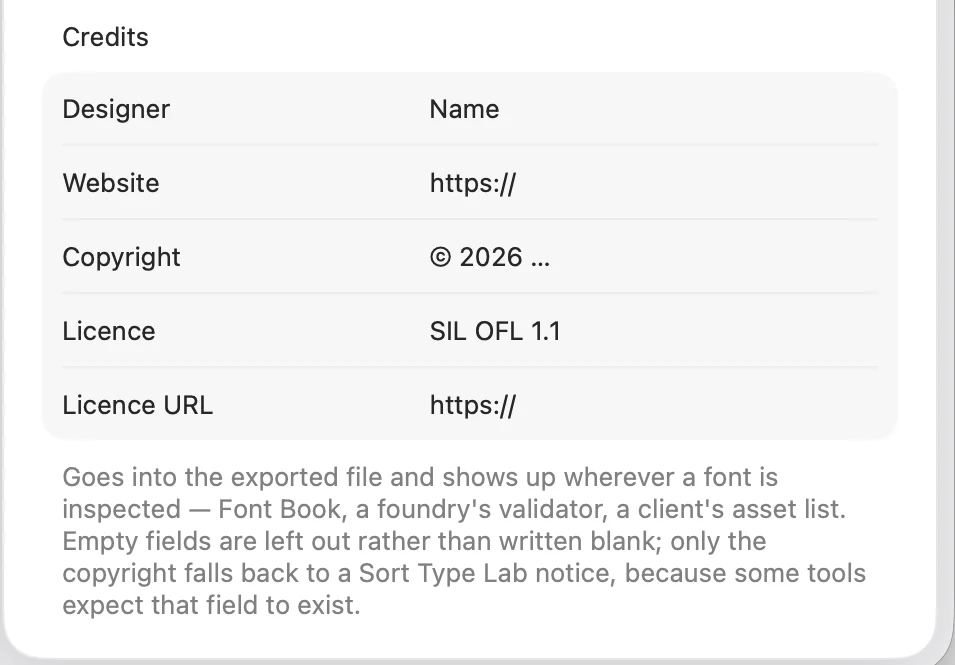
No designer, license or copyright set
Font managers show these, and anyone receiving the file has nothing else to go on.
The preflight check says so before you export. While a typeface stays on your own machine, none of it matters. The moment the file is passed on, it is the only thing that speaks for it.
Sort Type Lab ships a headless twin. Point an assistant at it and it can create fonts, draw glyphs, transform them, set kerning, import and export BDF, build a TTF, and look at the result as an image.
MAC OS ONLY
The helper ships inside the Mac app and runs on your own machine. On iPhone and iPad you draw and export by hand.
NOTHING TO START
Your client launches the program when it needs it and talks to it over standard input and output. All it needs is the path, and the app hands you the line to paste.
THIRTEEN TOOLS
create_font · font_info · get_glyph · set_glyph · set_path · set_region · transform_glyphs · set_kerning · set_kerning_group · check_font · import_bdf · export_font · render_preview
Twelve of them work without a licence: drawing, spacing,
kerning, checking, previewing. Only export_font writes a file, and
that one asks for your key. The app itself exports without a licence too; the
font is then called “… Trial”. See pricing.
[sorttype-mcp] ready — 13 tools

→ create_font        {"name": "Narrow Nine", "width": 5, "height": 9, "starter": true}
  “Narrow Nine”, 5×9, 77 glyphs

→ set_glyph          {"character": "A", "ink": "..#..\n.#.#.\n#...#\n#####\n#...#"}
  A: 16 pixels

→ set_kerning_group  {"name": "diagonal", "members": "VWY", "side": "right"}
  @diagonal (right): VWY

→ set_kerning        {"pair": "A @diagonal", "cells": -0.5}
  A @diagonal: −0.5 cells

→ check_font         {}
  No designer, license or copyright set.

→ render_preview     {"text": "WAVY AVATAR", "size": 96}
  preview.png
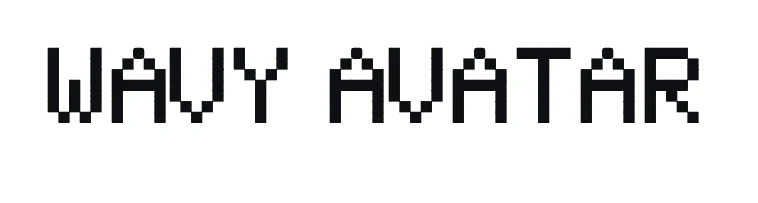
render_preview draws the
exported file through CoreText, so the image shows what any other program would
see, advances and kerning included.Sort Type Lab for Mac is 39 €, the introductory price, paid once. From 10 October 2026 it is 49 €. One purchase covers every Mac you own. No subscription, no account, and no licence server that could ever be switched off. On iPhone and iPad, Pro is a one-time in-app purchase.